Ever wondered how a simple photo can be transformed into a hyperrealistic portrait? Here is the complete guide to how PicDream, our AI portrait generator, works.
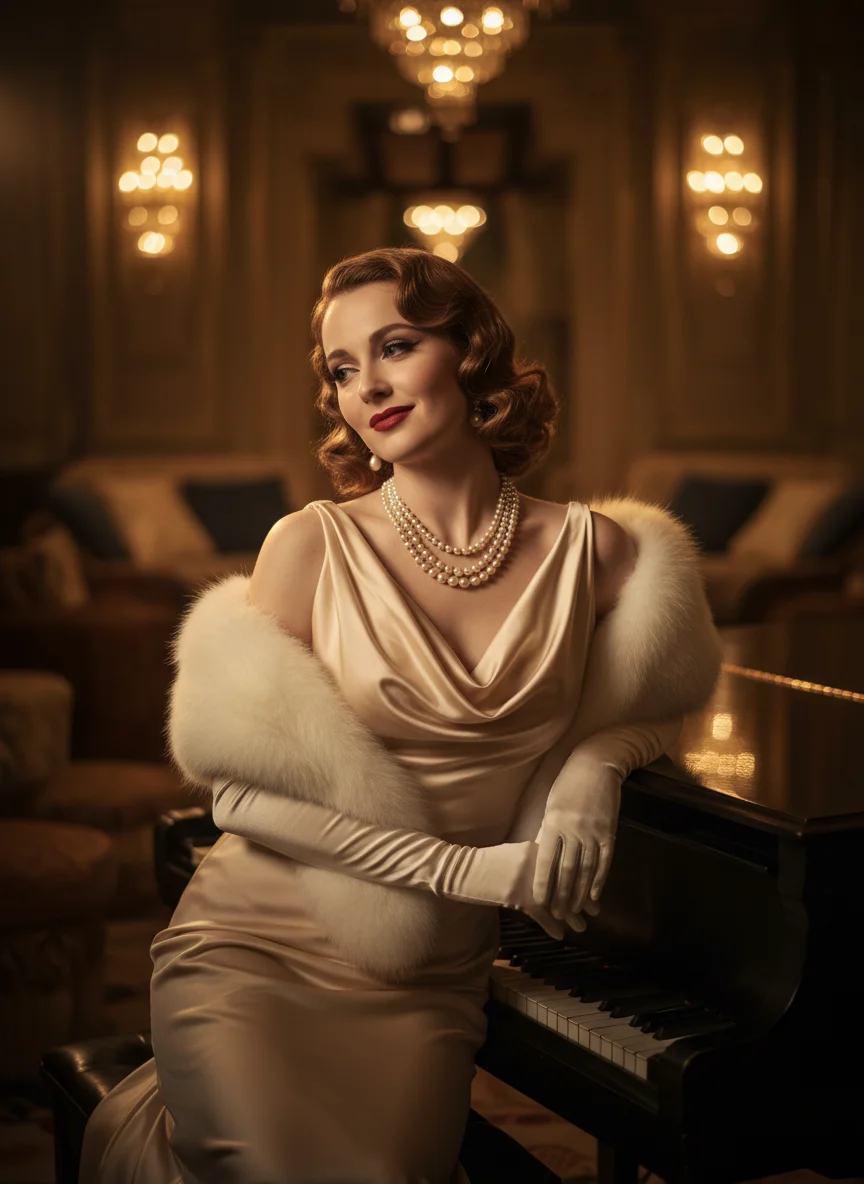
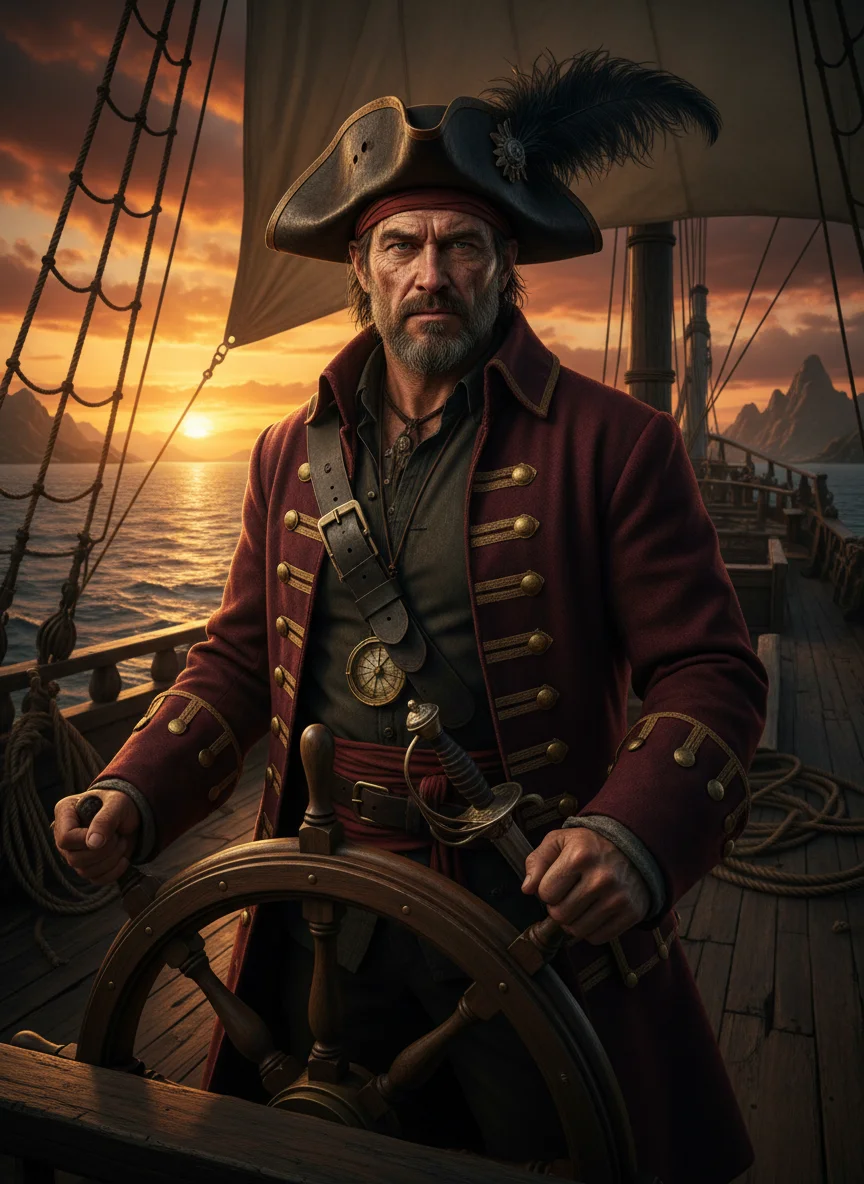
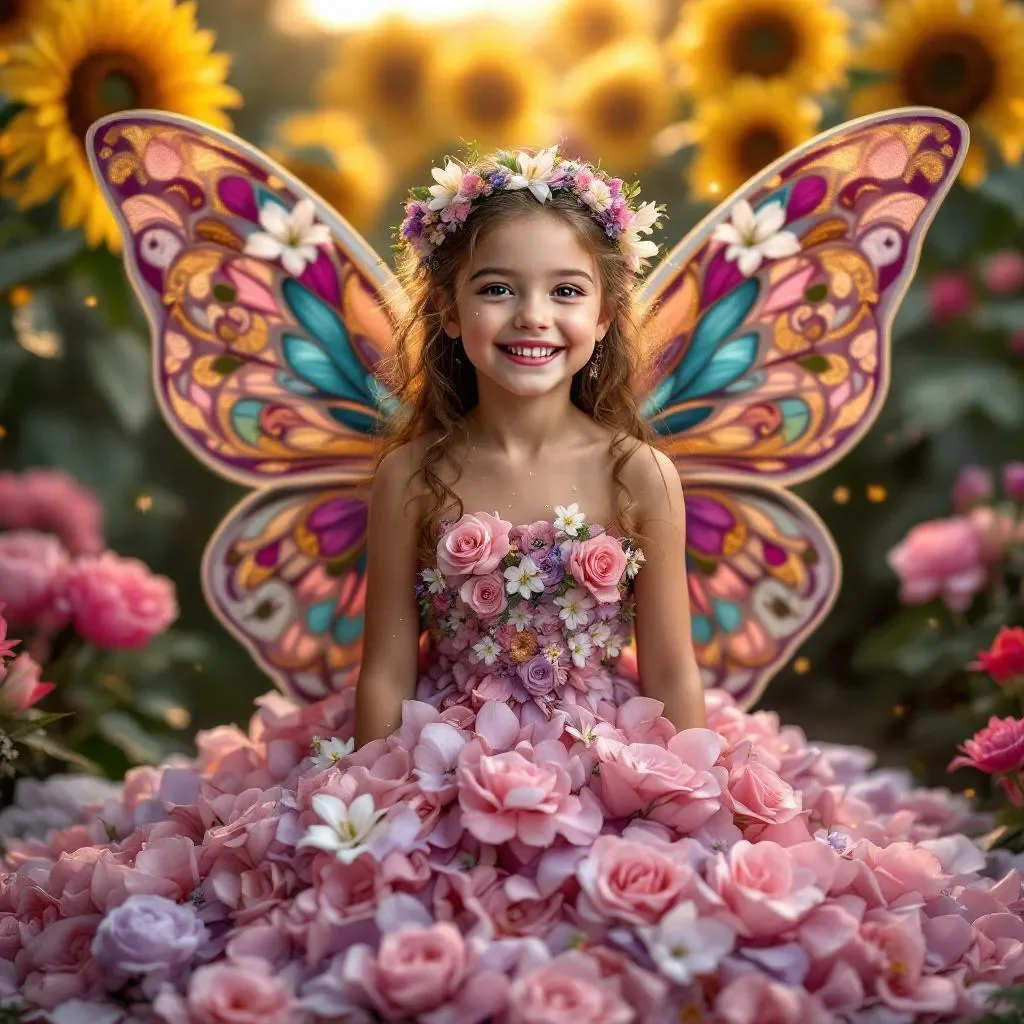
Step 1: Choose Your Theme
PicDream offers over 200 variations across dozens of themes: superheroes, princesses, pirates, Renaissance, animals, couples, and much more.
Step 2: Upload Your Photo
All you need is a photo where the face is clearly visible and well-lit. Our AI analyzes facial features, skin tone, hair, and all the details that make each person unique.
Tips for a better photo:
- 📸 Front-facing or slightly angled photo
- 💡 Good lighting (no backlight)
- 😊 Natural expression
- 🖼️ Face well-framed and sharp
Step 3: The AI Creates Your Portrait
This is where the magic happens. Our state-of-the-art AI model:
- Analyzes your face and its unique characteristics
- Integrates it into the chosen theme with stunning realism
- Generates 3 variations so you can pick your favorite
- Produces images in 4K resolution (3584×4800 pixels)
All in about 60 seconds. No waiting, no queue.
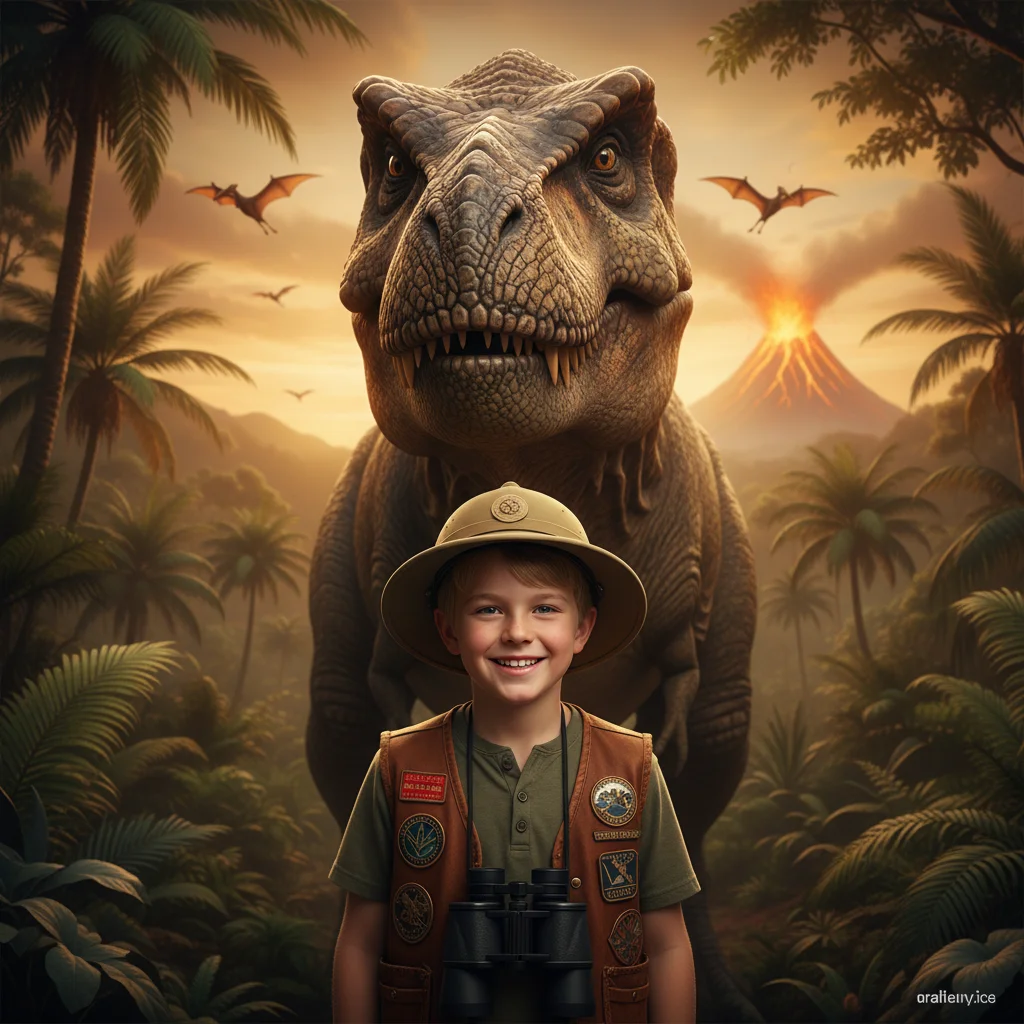
Step 4: Choose Your Format
Two options available:
- Digital portrait (€9.99) — Instant high-resolution download. Perfect for sharing, printing at home, or using as a profile picture.
- Premium canvas (from €64.99) — Professional print on canvas stretched over a wooden frame. 4 sizes available, from 30×40 cm to 60×80 cm.
Privacy and Security
Your photos are processed securely and automatically deleted after generation. We never store or reuse your images.